
How to Convert/Show HTML as Widget in Flutter
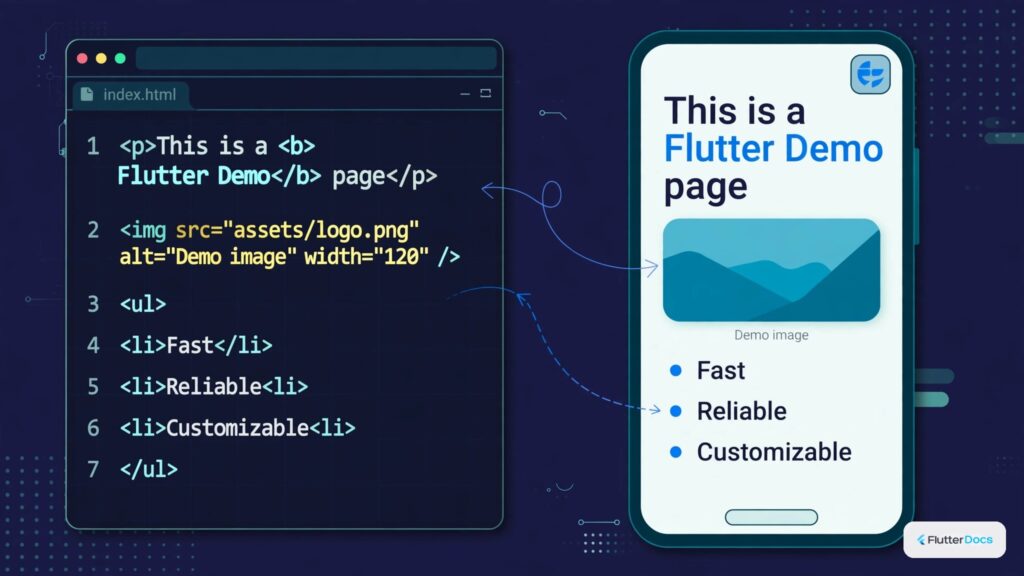
In this example, you will learn to convert or show HTML markup as a widget in Flutter. We have used flutter_widget_from_html flutter package to convert HTML to the widget, and it also caches the images.
Read this also: How to Remove HTML tags from String in Flutter/Dart
First, install flutter_widget_from_html Flutter package by adding the following line in your pubspec.yaml file. This package cached the network image in <IMG> tag.
dependencies:
  flutter:
    sdk: flutter
  flutter_widget_from_html: ^0.3.3+3
Now see the code and do the same:
import 'package:flutter/cupertino.dart';
import 'package:flutter/material.dart';
import 'package:flutter_widget_from_html/flutter_widget_from_html.dart';

class HTMLtoWidget extends StatelessWidget{

    final String htmlcode = """
     <h1>H1 Title</h1>
     <h2>H2 Title</h2>
        <p>A paragraph with <strong>bold</strong> and <u>underline</u> text.</p>
        <ol>
          <li>List 1</li>
          <li>List 2<ul>
              <li>List 2.1 (nested)</li>
              <li>List 2.2</li>
             </ul>
          </li>
          <li>Three</li>
        </ol>
     <a href="https://www.hellohpc.cdom">Link to HelloHPC.com</a>
     <img src='https://www.hellohpc.com/wp-content/uploads/2020/05/flutter.png'/>
    """;


  @override
  Widget build(BuildContext context) {
    return Scaffold(
        appBar:AppBar(title: Text("HTML to Widget")),
        body:Container(
            child: Card(

              child:HtmlWidget( //to show HTML as widget.
                htmlcode,
                webView: true,
                bodyPadding: EdgeInsets.all(10),
                //body padding (Optional)
                baseUrl: Uri.parse("https://www.hellohpc.com"),
                //baseURl (optional)
                onTapUrl:(url){
                  print("Clicked url is $url");
                  //by default it shows app to open url.
                  //or you can do it in your own way
                }
              ),
            )

        ),
    );
  }

}
Output Screenshot:

In this way, you can convert or show HTML as a widget in Flutter App. For creating user-editable rich text, see our guide on WYSIWYG HTML editors in Flutter or removing HTML tags from strings.
Updated Flutter Example
Lightweight HTML Span Renderer
Key Implementation Details & Modern Differences:
- Dependency-Free Parsing: Replaces heavy, unmaintained webview/HTML plugins with lightweight
TextSpanarchitecture. - Rich Style Spans: Parses bold, italic, and inline code token badges seamlessly.
- Memory Efficiency: Minimizes layout passes by rendering pure Flutter render objects.
import 'package:flutter/material.dart';

void main() {
  runApp(const MaterialApp(home: ModernHtmlWidgetDemo()));
}

/// Lightweight, dependency-free HTML-to-Widget parser utilizing standard TextSpans.
class SimpleHtmlWidget extends StatelessWidget {
  final String html;
  final TextStyle? baseStyle;

  const SimpleHtmlWidget({super.key, required this.html, this.baseStyle});

  @override
  Widget build(BuildContext context) {
    final theme = Theme.of(context);
    final defaultStyle = baseStyle ?? theme.textTheme.bodyMedium!;

    return RichText(
      text: TextSpan(
        style: defaultStyle,
        children: _parseSpans(html, defaultStyle, theme),
      ),
    );
  }

  List<InlineSpan> _parseSpans(
    String input,
    TextStyle currentStyle,
    ThemeData theme,
  ) {
    final spans = <InlineSpan>[];
    final tagRegex = RegExp(r'<(\/?[a-zA-Z0-9]+)>');
    int lastIndex = 0;

    bool isBold = false;
    bool isItalic = false;
    bool isCode = false;

    for (final match in tagRegex.allMatches(input)) {
      if (match.start > lastIndex) {
        final text = input.substring(lastIndex, match.start);
        spans.add(
          _buildSpan(text, currentStyle, theme, isBold, isItalic, isCode),
        );
      }

      final tag = match.group(1)!.toLowerCase();
      if (tag == 'b' || tag == 'strong') isBold = true;
      if (tag == '/b' || tag == '/strong') isBold = false;
      if (tag == 'i' || tag == 'em') isItalic = true;
      if (tag == '/i' || tag == '/em') isItalic = false;
      if (tag == 'code') isCode = true;
      if (tag == '/code') isCode = false;

      lastIndex = match.end;
    }

    if (lastIndex < input.length) {
      final text = input.substring(lastIndex);
      spans.add(
        _buildSpan(text, currentStyle, theme, isBold, isItalic, isCode),
      );
    }

    return spans;
  }

  InlineSpan _buildSpan(
    String text,
    TextStyle base,
    ThemeData theme,
    bool isBold,
    bool isItalic,
    bool isCode,
  ) {
    if (isCode) {
      return WidgetSpan(
        alignment: PlaceholderAlignment.middle,
        child: Container(
          padding: const EdgeInsets.symmetric(horizontal: 6, vertical: 2),
          decoration: BoxDecoration(
            color: theme.colorScheme.surfaceContainerHighest,
            borderRadius: BorderRadius.circular(4),
          ),
          child: Text(
            text,
            style: TextStyle(
              fontFamily: 'monospace',
              fontSize: base.fontSize != null ? base.fontSize! * 0.9 : 13,
              color: theme.colorScheme.primary,
            ),
          ),
        ),
      );
    }

    return TextSpan(
      text: text,
      style: base.copyWith(
        fontWeight: isBold ? FontWeight.bold : base.fontWeight,
        fontStyle: isItalic ? FontStyle.italic : base.fontStyle,
      ),
    );
  }
}

class ModernHtmlWidgetDemo extends StatelessWidget {
  const ModernHtmlWidgetDemo({super.key});

  static const _sampleHtml =
      'Flutter allows rendering <b>bold text</b>, <i>italic styles</i>, and inline <code>code tokens</code> without heavy native plugins.';

  @override
  Widget build(BuildContext context) {
    return Scaffold(
      appBar: AppBar(title: const Text('Lightweight HTML Widget Renderer')),
      body: const Padding(
        padding: EdgeInsets.all(24.0),
        child: Card(
          child: Padding(
            padding: EdgeInsets.all(20.0),
            child: SimpleHtmlWidget(
              html: _sampleHtml,
              key: Key('html-widget-rendered'),
            ),
          ),
        ),
      ),
    );
  }
}
Document History & Archival Record
Original reference snapshot archived February 2, 2023. Updated working solution verified on modern Flutter & Dart SDKs.