
How to Use For Loop on Widget Children in Flutter
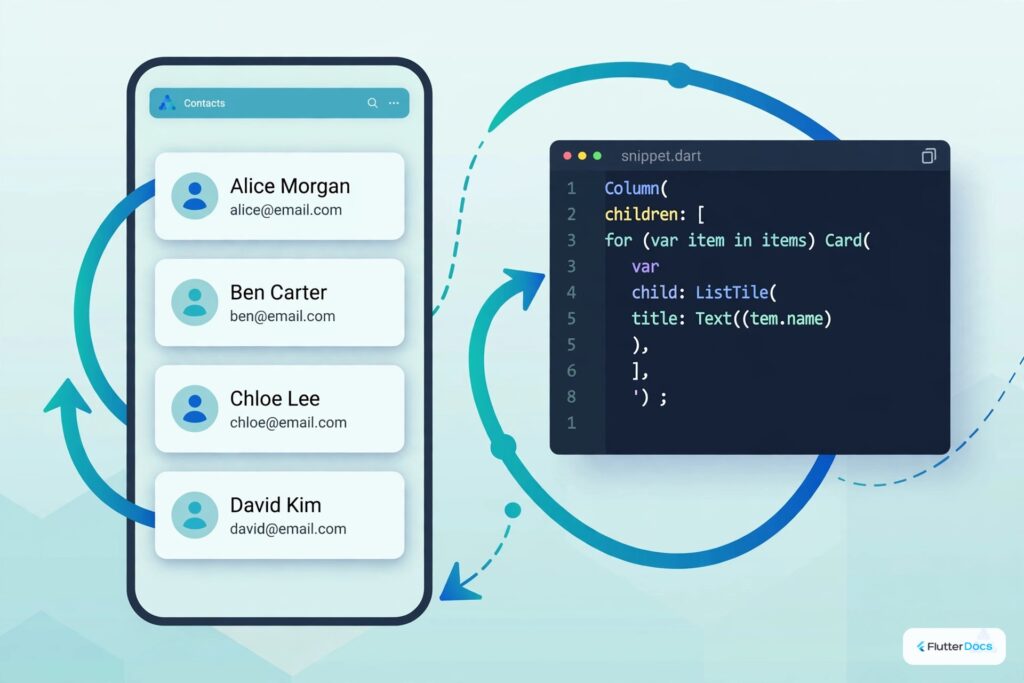
In this example, we are going to show you how to use for loop on widgets like row, column, wrap, and stack children. For loop is the basic loop in every programming language, Flutter also has features to use For loop to build your widgets, see the example below:
How to Use For Loop on Widget’s children in Flutter:
Column(
  children: [
    for(int x = 1; x<=5;x++)...[
      Container(
         child: Text("$x")
      ),
    ],
  ],
)
You can use For a look like above, you can add your own additional widgets before and after this loop as well.
Alternatively, you can build a list of widgets before building widgets and pass it on to children attribute like below:
@override
Widget build(BuildContext context) {

  List<Widget> mywidgets = [];
  for(int x = 1; x<=5;x++){
      mywidgets.add(
        Container(
          child: Text("$x"),
        )
      );
  }

  return  Scaffold(
    body: Container(
        child: Column(
          children: mywidgets
        )
    )
  );
}
The output of both codes will be the same.
Full App Example:
import 'package:flutter/material.dart';

void main(){
  runApp(MyApp());
}

class MyApp extends StatelessWidget{
  @override
  Widget build(BuildContext context) {
    return MaterialApp(
      home: Home(),
    );
  }
}

class Home extends StatefulWidget{
  @override
  _HomeState createState() => _HomeState();
}

class _HomeState extends State<Home> {
  @override
  Widget build(BuildContext context) {
    return  Scaffold(
          appBar: AppBar(
            title: Text("For Loop in Widget Children"),
            backgroundColor: Colors.redAccent,
          ),

          body: Container(
             child: Column(
               children: [
                 //you can add widgets here also

                 for(int x = 1; x<=5;x++)...[
                    Card(
                       child: Container(
                         padding: EdgeInsets.all(10),
                         width: double.infinity,
                         child:Text("Item $x"),
                       )
                    ),

                    // you can add widget here as well
                 ],

                 // you can add more widgets here
               ],
             ),
          )
       );
  }
}
Output Screenshot:

In this way, you can use For loop in Widget’s children in Flutter. Dynamic widget iteration is ideal for tabular views; learn about creating tables with rows and columns and array list basics in Dart.
Updated Flutter Example
Modern Collection For Elements & Virtualized Lists in Flutter 3.x
Key Implementation Details & Modern Differences:
- Inline Collection For: Direct iteration inside widget children lists (
children: [ for (final item in items) Widget(item) ]) without requiringitems.map(...).toList(). - Dart 3 Record Destructuring: Using
for (final (index, item) in items.indexed)cleanly provides 0-indexed positions without external counter variables. - Performance Guidance: For large dynamic datasets (>20 items), use
ListView.builderinstead of building all widgets in memory upfront.
import 'package:flutter/material.dart';

void main() {
  runApp(const MaterialApp(home: ModernCollectionForDemo()));
}

class ModernCollectionForDemo extends StatelessWidget {
  const ModernCollectionForDemo({super.key});

  static const _topics = [
    'State Management',
    'Flutter Animations',
    'Navigation & Routing',
    'REST API Integration',
    'Local SQLite Storage',
  ];

  @override
  Widget build(BuildContext context) {
    return Scaffold(
      appBar: AppBar(title: const Text('Modern Collection For Demo')),
      body: SingleChildScrollView(
        padding: const EdgeInsets.all(20.0),
        child: Column(
          crossAxisAlignment: CrossAxisAlignment.start,
          children: [
            const Text(
              'Curated Learning Modules:',
              style: TextStyle(fontSize: 18, fontWeight: FontWeight.bold),
            ),
            const SizedBox(height: 12),
            // Modern Dart 3 collection for with record destructuring
            for (final (index, topic) in _topics.indexed) ...[
              Card(
                elevation: 1,
                margin: const EdgeInsets.only(bottom: 10),
                child: ListTile(
                  leading: CircleAvatar(child: Text('${index + 1}')),
                  title: Text(
                    topic,
                    style: const TextStyle(fontWeight: FontWeight.w600),
                  ),
                  trailing: const Icon(Icons.arrow_forward_ios, size: 14),
                ),
              ),
            ],
          ],
        ),
      ),
    );
  }
}Document History & Archival Record
Original reference snapshot archived February 3, 2023. Updated working solution verified on modern Flutter & Dart SDKs.