
Flutter – How to Notch FloatingActionButton in BottomAppBar
Verified Solution
Tested on Flutter 3.47.7 • Dart 3.13.5
Jump to Updated Flutter Example ↓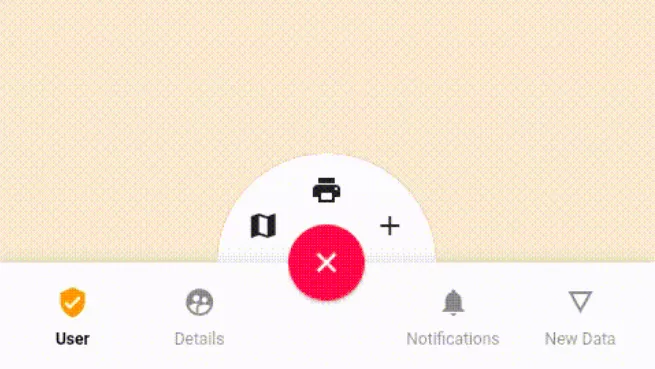
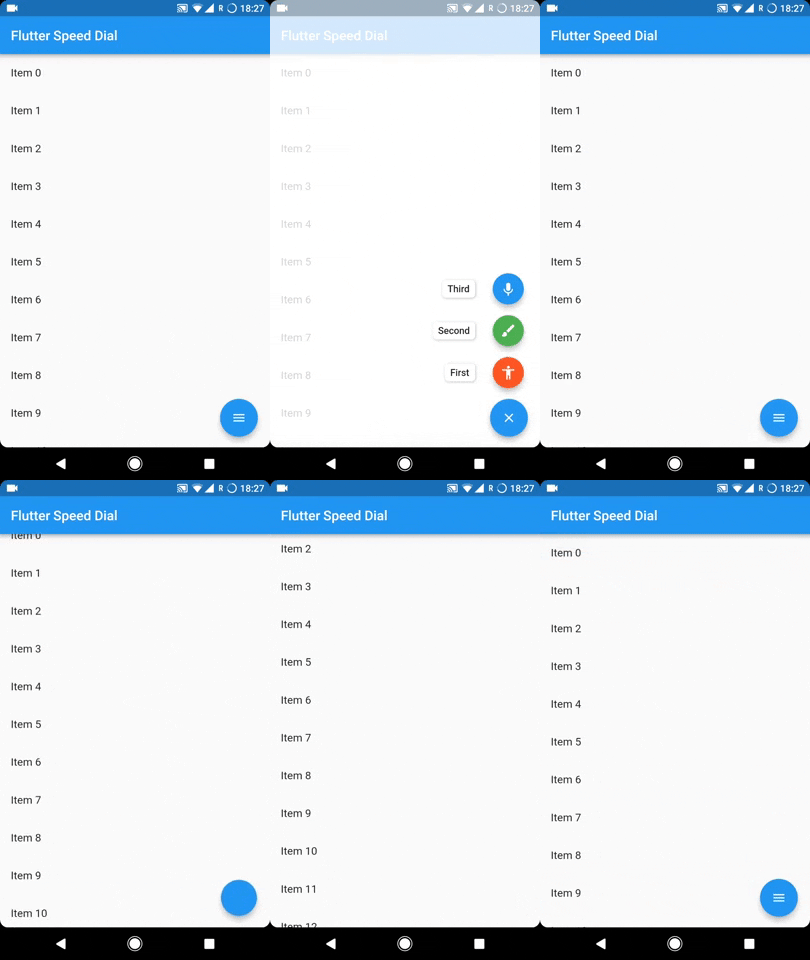
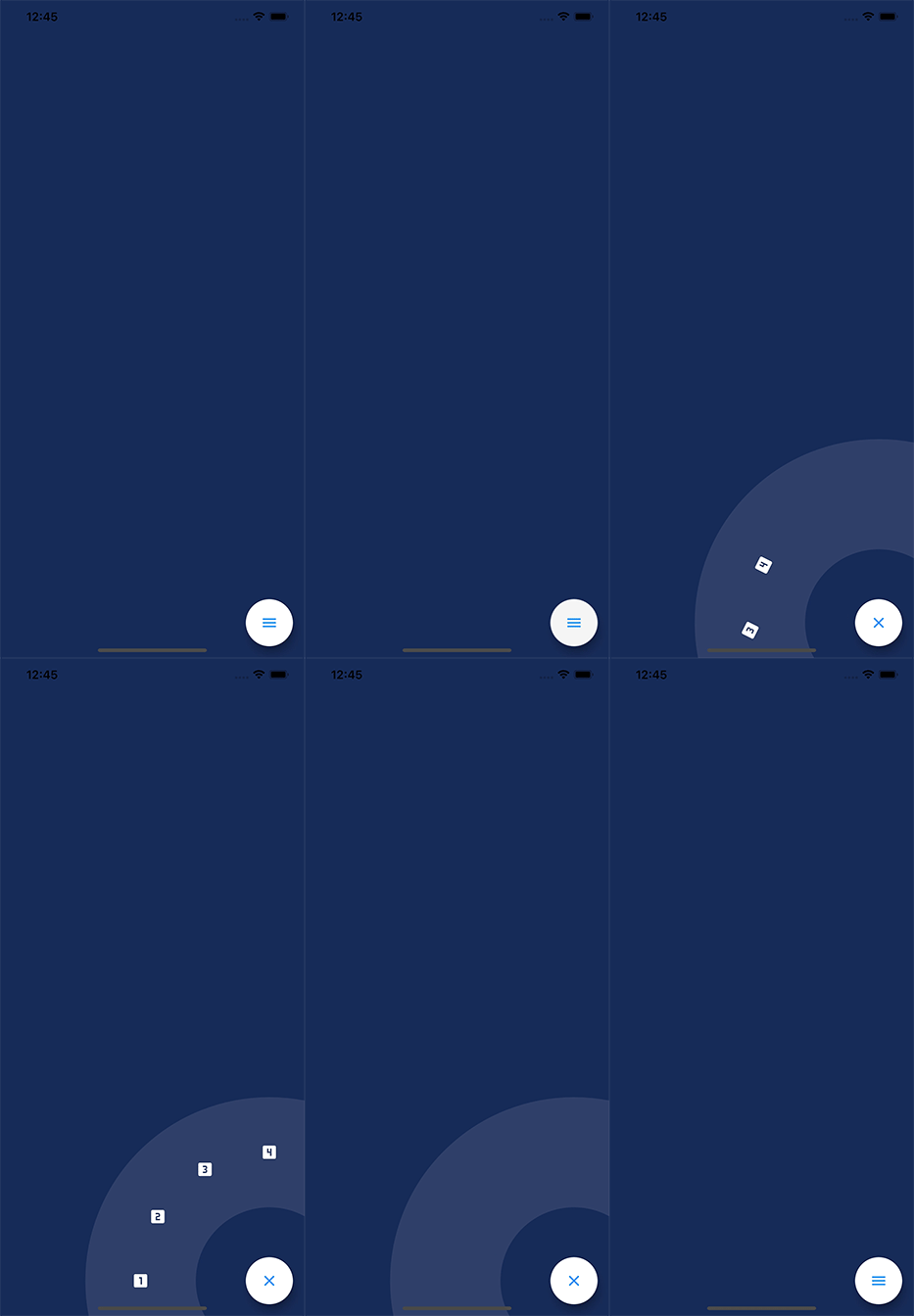


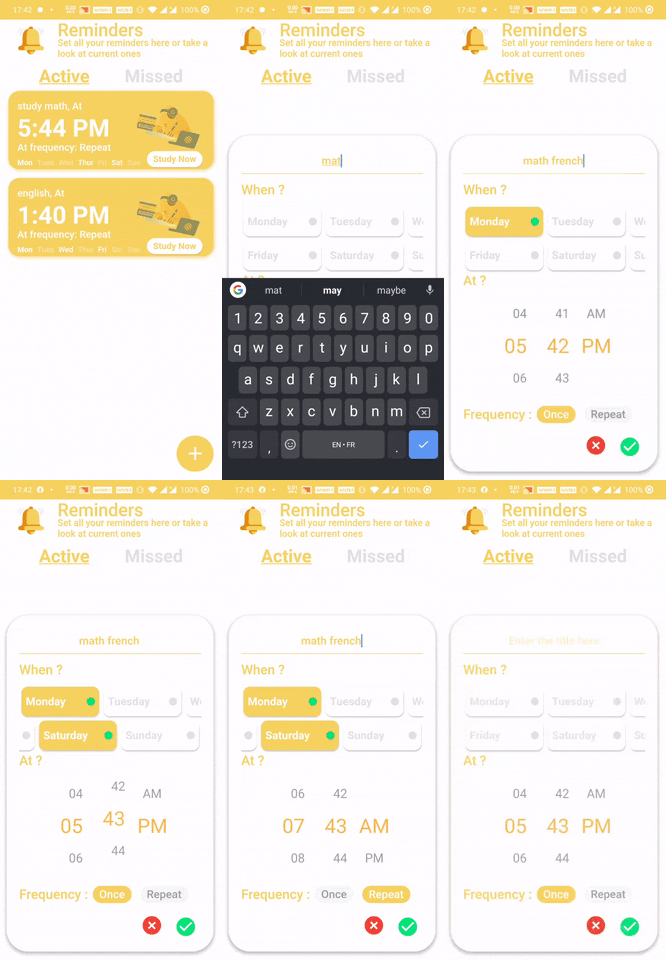
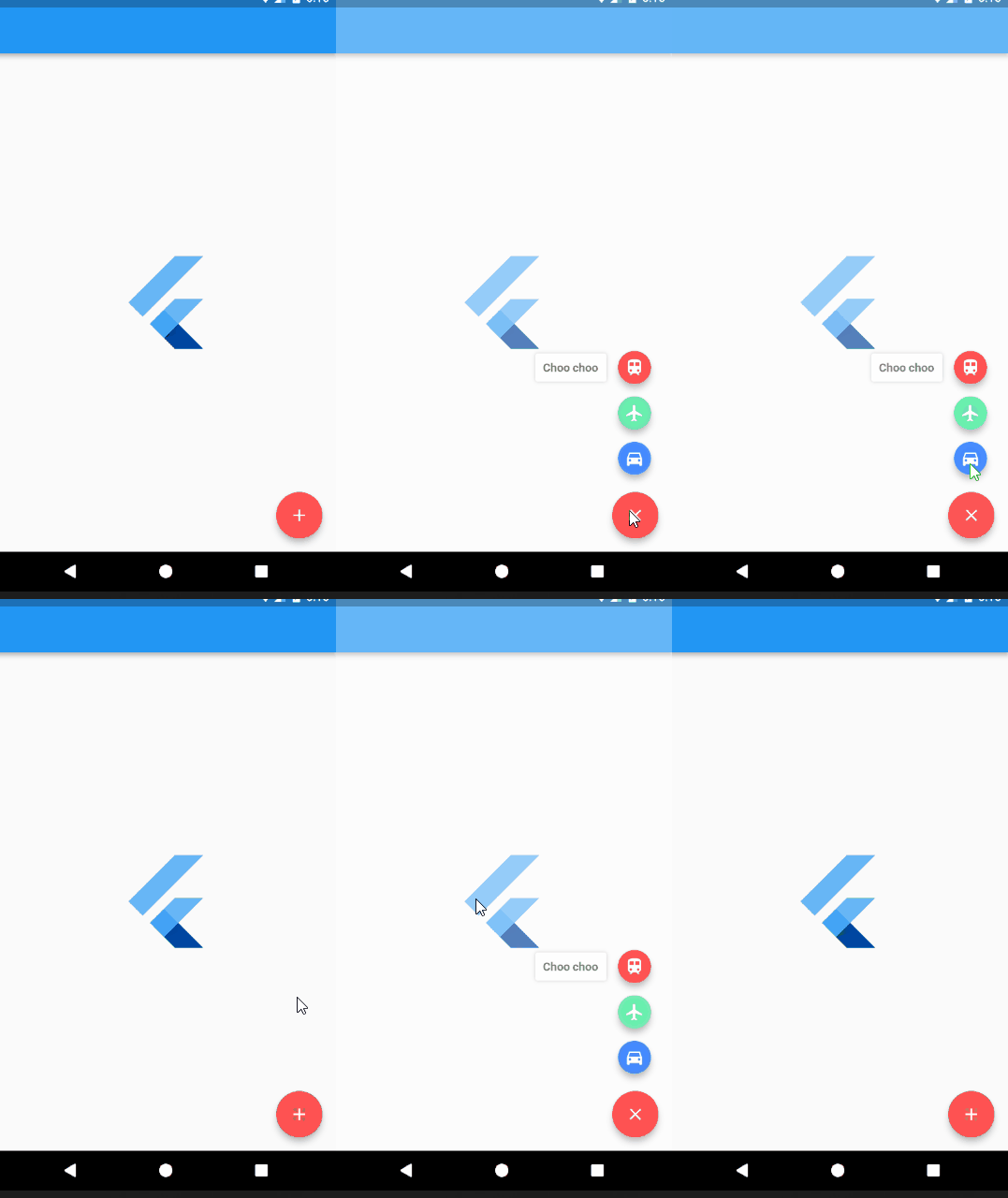
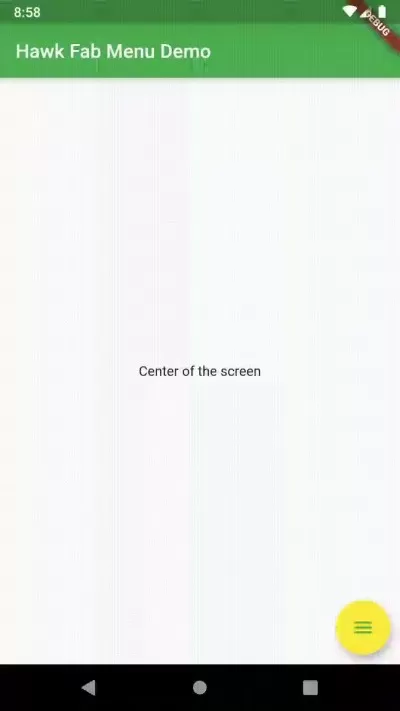


 For advanced action button setups, see how to handle adding multiple floating action buttons and customizing FloatingActionButton shapes and locations.
Updated Flutter Example
Updated Flutter Example
Material 3 Docked FloatingActionButton with Circular Notch
Key Implementation Details & Modern Differences:
- CircularNotchedRectangle Cradle: Uses
CircularNotchedRectangle()withnotchMargin: 6.0onBottomAppBarto create a smooth circular cutout for the docked button. - FloatingActionButtonLocation: Applies
FloatingActionButtonLocation.centerDockedto position the FAB seamlessly centered along the top edge of the navigation bar. - Material 3 Circle Shape: Explicitly specifies
shape: const CircleBorder()to ensure the FAB adheres to the circular notch geometry in Material 3.
Updated Flutter Example Code
import 'package:flutter/material.dart';

void main() {
  runApp(const MaterialApp(home: ModernNotchedBottomAppBarDemo()));
}

class ModernNotchedBottomAppBarDemo extends StatefulWidget {
  const ModernNotchedBottomAppBarDemo({super.key});

  @override
  State<ModernNotchedBottomAppBarDemo> createState() =>
      _ModernNotchedBottomAppBarDemoState();
}

class _ModernNotchedBottomAppBarDemoState
    extends State<ModernNotchedBottomAppBarDemo> {
  int _actionCount = 0;

  @override
  Widget build(BuildContext context) {
    return Scaffold(
      appBar: AppBar(title: const Text('Notched BottomAppBar Demo')),
      body: Center(
        child: Text(
          'FAB Activations: $_actionCount',
          key: const Key('counter-text'),
          style: Theme.of(context).textTheme.headlineSmall,
        ),
      ),
      floatingActionButton: FloatingActionButton(
        shape: const CircleBorder(),
        onPressed: () {
          setState(() => _actionCount++);
        },
        child: const Icon(Icons.add),
      ),
      floatingActionButtonLocation: FloatingActionButtonLocation.centerDocked,
      bottomNavigationBar: BottomAppBar(
        shape: const CircularNotchedRectangle(),
        notchMargin: 6.0,
        child: Row(
          mainAxisAlignment: MainAxisAlignment.spaceBetween,
          children: [
            IconButton(icon: const Icon(Icons.menu), onPressed: () {}),
            IconButton(icon: const Icon(Icons.search), onPressed: () {}),
          ],
        ),
      ),
    );
  }
}
Document History & Archival Record
Original reference snapshot archived March 22, 2023. Updated working solution verified on modern Flutter & Dart SDKs.